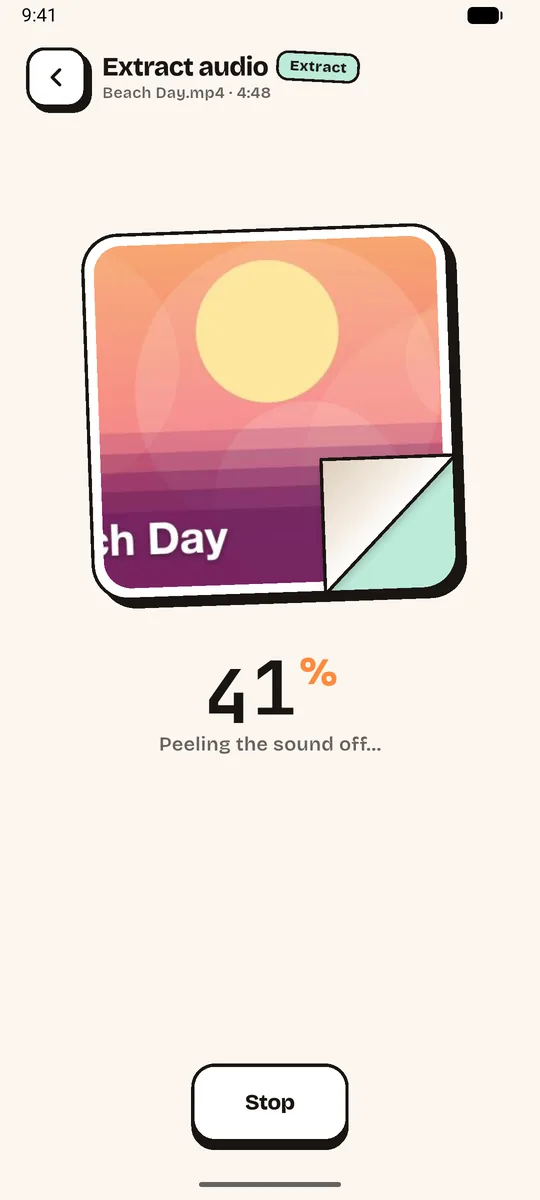
Video to MP3100% offline.

Pull the sound out of any video, cut the part you want, and keep it. Nothing is ever uploaded.

CutJoinRingtoneBatch
Get it on Google Play Free · Android 7.0+ · No account
Peeled! ✓
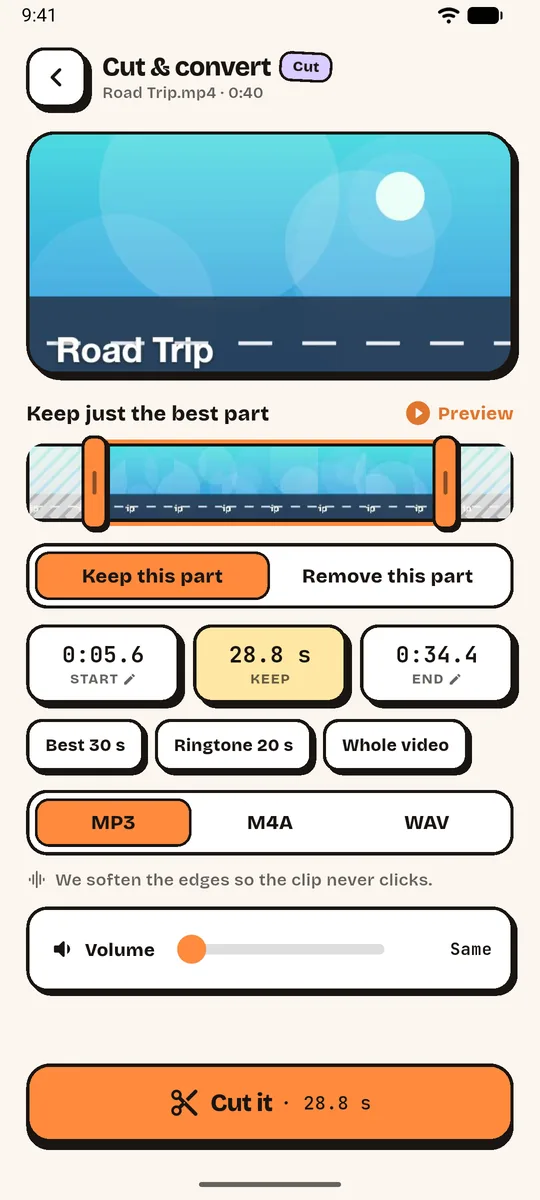
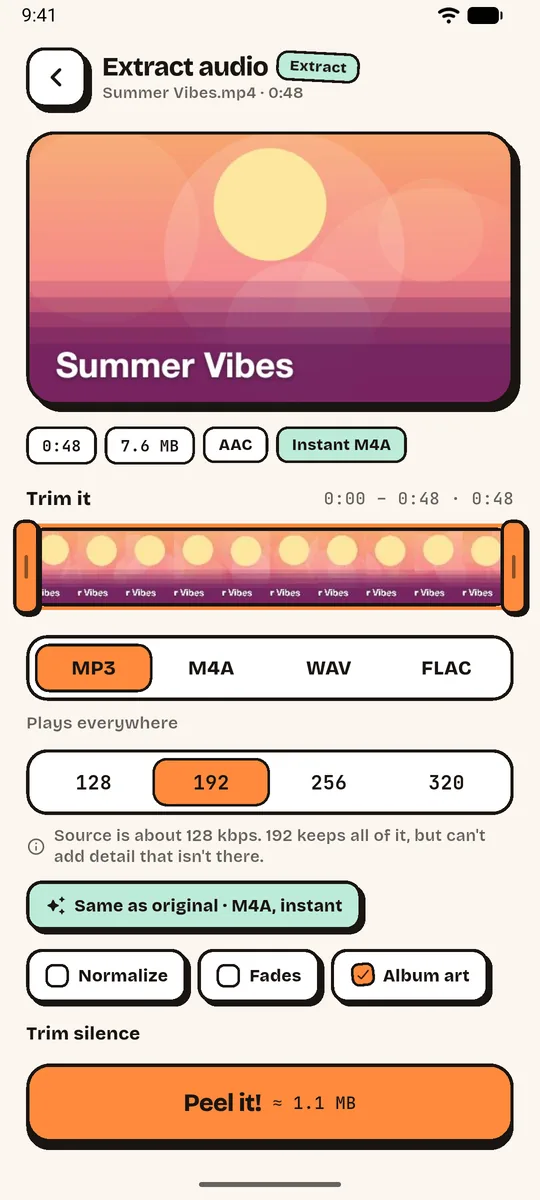
AudioPeel cut screen with trim handles
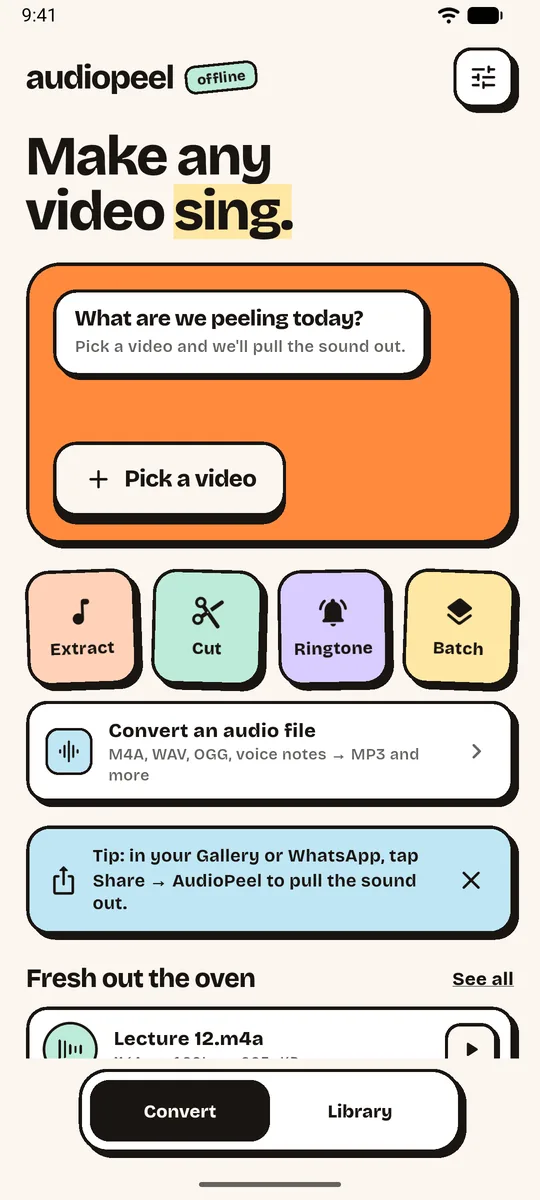
AudioPeel home screen: pick a video and convert it to MP3
1 tap

Watch it in 30 seconds

See a video turn into an MP3, get cut, and become a ringtone, all on one phone.

Watch on YouTube
CUT

Cut just the part you want

Drag the handles, preview it, save it. The edges are softened so your clip never clicks.

  • Keep a section, or cut out the middle and keep the rest
  • Quick picks like the best 30 seconds
  • Fine, frame-accurate scrubbing
Cut screen: keep or remove a part, with start and end times
RINGTONE

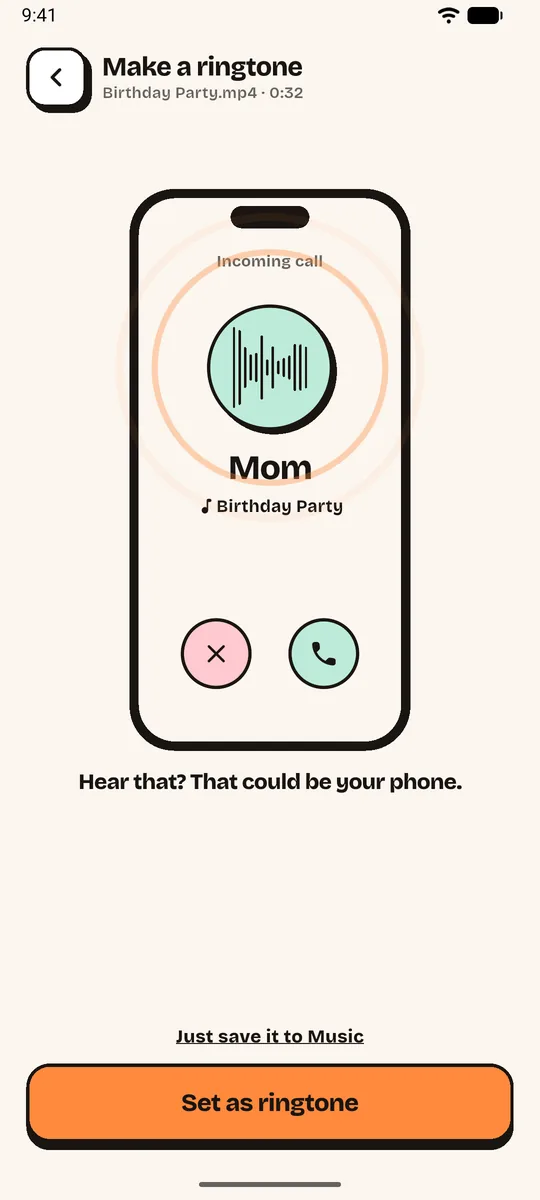
Make any clip a ringtone

Pick the best 20 seconds of a song or a sound, and hear how your phone will ring before you set it.

  • Ringtone, notification sound or alarm
  • Fade-in and smooth looping
  • Set it in one tap
Ringtone preview showing an incoming call
BATCH

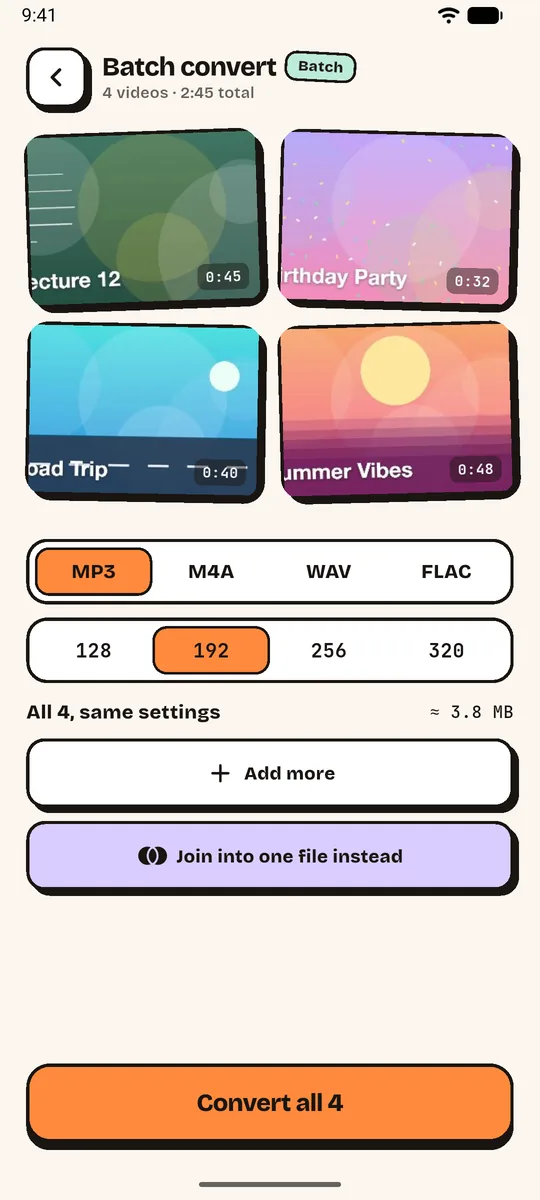
Convert many at once

Pick a pile of videos and convert them all with the same settings. It keeps going while you do something else.

  • Runs in the background with a progress notification
  • Or join them into one file instead
  • Share a video to AudioPeel from your gallery or WhatsApp
Batch convert screen with four videos
FORMATS

MP3, M4A, WAV & FLAC

Choose the format and quality, then tap once. Your audio lands in your Music folder.

  • 128, 192, 256 or 320 kbps
  • Normalize volume, add fades, keep album art
  • MP4, MKV, MOV, AVI, WEBM, 3GP and more
Format and bitrate picker

And a few more tricks

Small things that save you a trip to another app.

Join audio filesTrim silenceEdit tags Cover artReal waveformLibrary with search Built-in playerShare in one tapConvert audio files too

Nothing uploaded. Ever.

Your videos are converted on your phone and never leave it. It even works in airplane mode.

  • No account or sign-up
  • No upload, no watermark
  • Saved to Music/AudioPeel
  • Anonymous crash reports only, never your files
Read the privacy policy →
Converting a video offline

Three taps. Done.

Pick a video

Choose one from your gallery, or share it to AudioPeel from WhatsApp.

Choose a format

MP3, M4A, WAV or FLAC, and the quality you want.

Peel it

Your audio is saved to your Music folder, ready for any player or ringtone.

Questions

Is it really offline?

Yes. Videos are decoded and encoded on your phone. The app only goes online to send anonymous crash reports and, if ads are shown, for advertising.

Where are my files saved?

In Music/AudioPeel, so they show up in your music app, Files and WhatsApp.

Does it add a watermark?

No watermark and no account. Please convert only videos you own or have permission to use.

Which Android versions work?

Android 7.0 and up.

I found a bug or have an idea

Use Send feedback in Settings, or email shahlabs.dev@gmail.com. We read every message.

Peel the sound off your videos

Get AudioPeel on Google Play
Get it on Google Play